
How to Integrate the Boxing Data API into WordPress
In this guide, you’ll learn how to connect the Boxing Data API to your WordPress website to display upcoming fights using the WPGetAPI plugin. Perfect for sports websites, event promoters, and boxing news platforms.
Why Use the Boxing Data API for WordPress?
Section titled “Why Use the Boxing Data API for WordPress?”- Real-time fight schedules
- Accurate fighter statistics
- Global venue data
- Automatic updates (no manual entry)
Step 1: Get Your Boxing Data API Key
Section titled “Step 1: Get Your Boxing Data API Key”- Visit RapidAPI’s Boxing Data API Hub
- Click Subscribe and choose your plan
- Copy your API key from the code snippets section
Pro Tip: Follow our Getting Started guide for more details.
Step 2: Install WPGetAPI Plugin
Section titled “Step 2: Install WPGetAPI Plugin”- In your WordPress dashboard: Plugins > Add New
- Search for “WPGetAPI”
- Install and activate the official WPGetAPI plugin
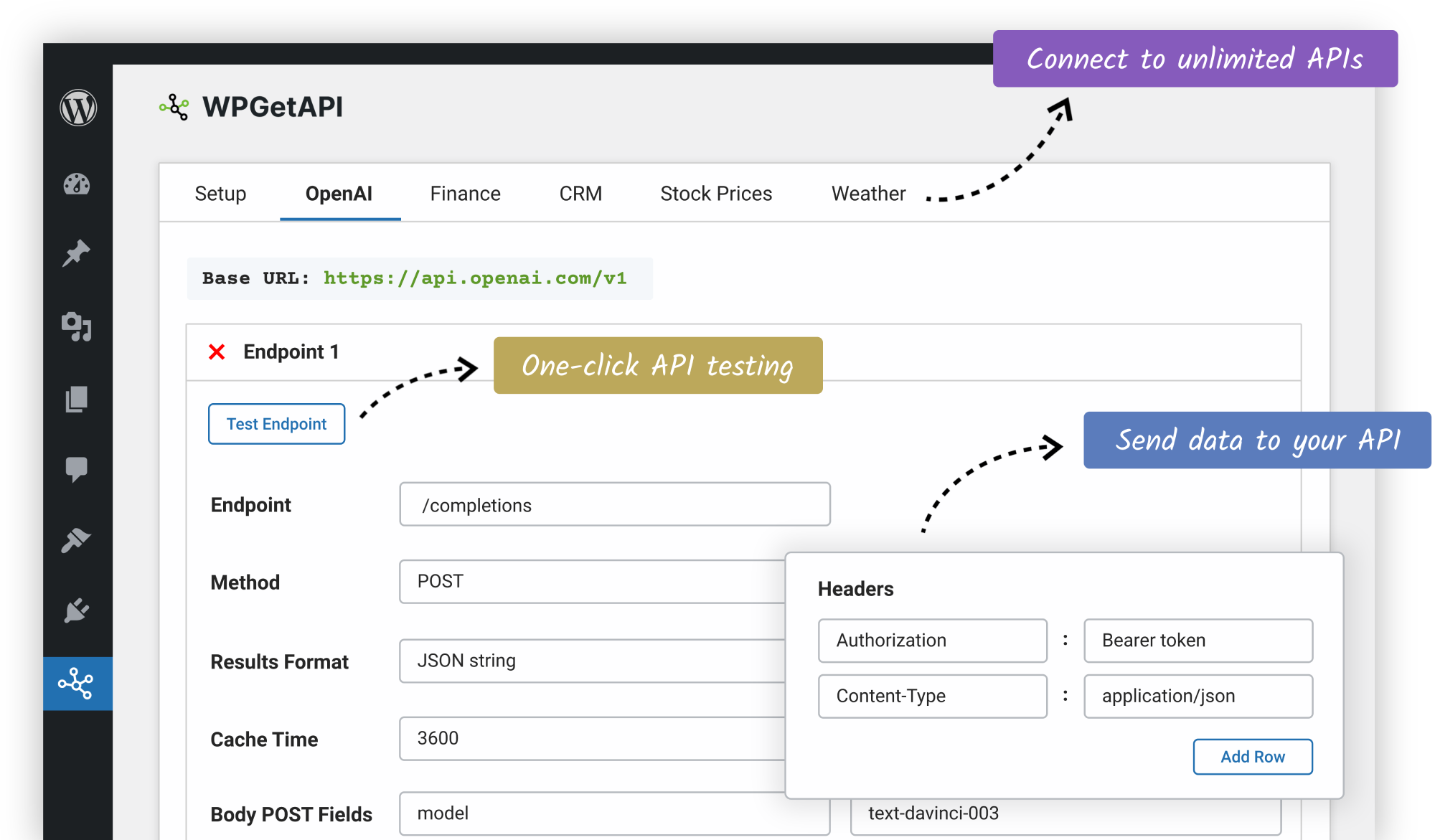
Step 3: Configure API Settings
Section titled “Step 3: Configure API Settings”Base Configuration
Section titled “Base Configuration”Create a new API - Follow the official guide
- Use this configuration:
- API Name:
Boxing Data API - Unique ID:
boxing_data_api - Base URL:
https://boxing-data-api.p.rapidapi.com
Fight Schedule Endpoint
Section titled “Fight Schedule Endpoint”Create a new Endpoint - Follow the official guide
- Unique ID:
upcoming_fights - Endpoint:
/v1/fights/schedule - Method: GET
- Results Format: PHP Array
Authentication Setup
Section titled “Authentication Setup”You can configure authentication from the same Endpoint configuration page - Follow the official guide
- Find the Headers section
- Add new header:
- Header Name:
x-rapidapi-key - Header Value:
YOUR_API_KEY_HERE
- Header Name:

Step 4: Display Fight Data in WordPress
Section titled “Step 4: Display Fight Data in WordPress”Option A: Basic Shortcode Method
Section titled “Option A: Basic Shortcode Method”[wpgetapi_endpoint api_id="boxing_data_api" endpoint_id="upcoming_fights"]Option B: Custom HTML Table (Recommended)
Section titled “Option B: Custom HTML Table (Recommended)”Add to your theme’s functions.php:
function display_upcoming_boxing_fights() {    $fights = wpgetapi_endpoint('boxing_data_api', 'upcoming_fights');
    if (!empty($fights)) {        $output = '<div class="boxing-schedule"><h2>Upcoming Boxing Matches</h2>';        $output .= '<table><tr><th>Date</th><th>Fighters</th><th>Location</th></tr>';
        foreach ($fights as $fight) {            $output .= sprintf(                '<tr><td>%s</td><td>%s vs %s</td><td>%s</td></tr>',                esc_html($fight['date']),                esc_html($fight['fighter1']),                esc_html($fight['fighter2']),                esc_html($fight['venue'])            );        }
        $output .= '</table></div>';        return $output;    }}add_shortcode('boxing_schedule', 'display_upcoming_boxing_fights');
Use in pages/posts:
[boxing_schedule]Troubleshooting Common Issues
Section titled “Troubleshooting Common Issues”- API Not Loading?
- Verify RapidAPI subscription status
- Check header authentication
- Test endpoint in Postman
- Data Formatting Problems?
- Validate JSON response
- Use var_dump($fights); for debugging
- Slow Loading Times?
- Enable caching in WPGetAPI
- Consider a CDN for global traffic